The Invoicing App for Electricians
Quote the panel swap or EV charger install, collect a deposit before you buy the breakers, and send the final bill the day the inspector signs off. Customers pay by card from a link.
Free forever. No credit card required.

An EV charger install, billed line by line
Site assessment, labor, materials, and the permit fee each get their own line. Sales tax lands on the materials only, and the homeowner pays the total by card from the email.
Edit this invoice in our free generator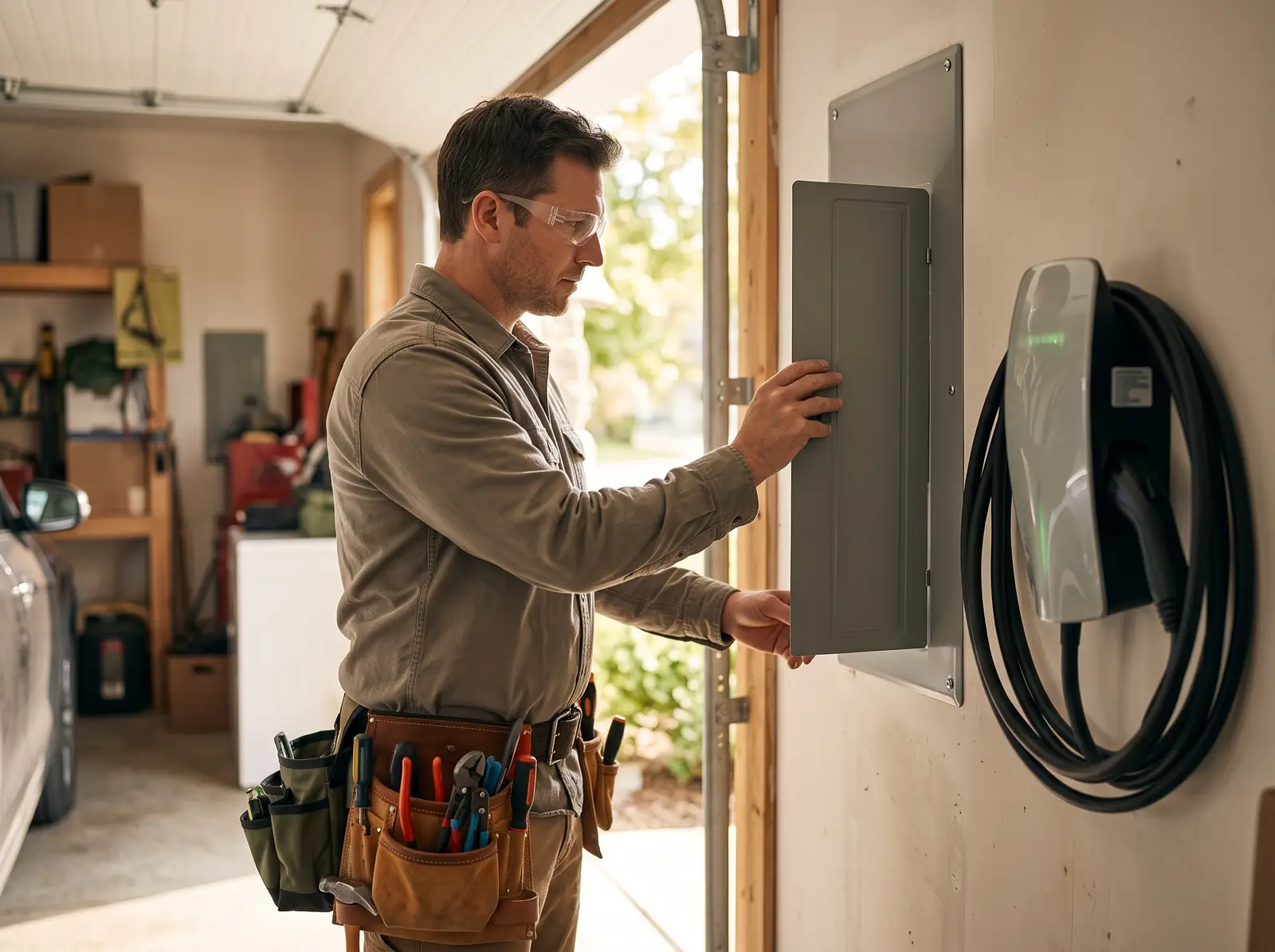
Brightline Electric LLC
Bill to: Marcus Chen, 2208 Ridgeview Drive
Invoice
INV-2317
| Description | Qty | Amount |
|---|---|---|
| Load calculation and site assessment | 1 | $125.00 |
| Labor: run new 240V 50A circuit for Level 2 EV charger | 5 | $550.00 |
| 6/3 NM cable, 50A breaker, conduit, and fittings | 1 | $218.40 |
| NEMA 14-50 receptacle and weatherproof box | 1 | $64.00 |
| City electrical permit and inspection fee | 1 | $150.00 |
- Subtotal
- $1,107.40
- Sales tax on materials (7%)
- $19.77
- Total due
- $1,127.17
Balance due on receipt after final inspection. Pay by card or PayPal using the link in your email.
Built for How Electricians Actually Work
You fronted $2,000 in breakers and a new 200A panel, then waited three weeks for the check. Take a deposit up front and record it against the job.
Homeowners balk at a single number for a rewire. Itemized wire, devices, labor hours, and permit fees answer most of their questions before they call you.
The service call is done in forty minutes, but the invoice waits until Sunday night. Send it from saved line items before you pull out of the driveway.
Contractors and property managers who owe you money get a polite email reminder on schedule, so you stop making collection calls between jobs.
Everything You Need, Nothing You Don't
Approved quotes become invoices
Send a quote for the panel upgrade or the basement finish. Once the customer approves, convert it to an invoice with every line intact.
Deposits and progress payments
Record a deposit at rough-in and another at trim-out. SolidInvoice keeps the running balance on the invoice until the last dollar arrives.
Card and PayPal on every invoice
Connect Stripe or PayPal and each invoice carries a pay link. When the customer pays, the invoice marks itself paid.
Overdue reminders on autopilot
On Pro and Business, SolidInvoice emails late payers for you. General contractors who sit on net 30 hear from you without you picking up the phone.
Start invoicing in minutes
Load your price book
Add your logo, license number, local tax rate, and the items you bill every week: service call fee, hourly rate, common breakers and devices. You start on the Free plan and can try Pro free for 30 days whenever you need it.
Quote, then invoice
Send the estimate for a big job and convert it when approved, or write up a service call invoice on the spot.
Collect the money
Deposits, progress payments, and the final balance all post to the same invoice. Card payments mark it paid on their own.
What to include on an electrician invoice
Electrical work involves permits, inspections, and materials that swing in price. These six items keep your invoices clear for homeowners, contractors, and anyone who audits the job later.
- 1
Your license number
Many states require electrical contractors to show their license number on invoices, estimates, and contracts. Put it in the header so it appears on every document.
- 2
Job address and permit number
List the service address and the permit number for permitted work. Inspectors, insurers, and future buyers of the home may ask for both.
- 3
Materials itemized, with your markup built in
Name the panel, breakers, wire gauge, and devices on separate lines. Bake your markup into the unit price instead of listing it, and keep supplier receipts in case the customer asks.
- 4
Labor hours and rate
Show hours worked and your hourly rate, or a flat rate per task like a fixture swap. Keep apprentice and journeyman rates on separate lines if you bill them differently.
- 5
Permit and inspection fees
Pass these through on their own untaxed line at cost. Customers accept a city fee far more easily when they can see it was not your markup.
- 6
Deposits received and balance due
On larger jobs, show each deposit or progress payment already collected and the remaining balance, with a due date and a link to pay online.
Ready to simplify your invoicing?
Send professional invoices, take online payments, and let automated reminders chase late payers for you.
Start freeFree forever. No credit card required.
Simple, Transparent Pricing
Pro gives you automation, custom branding, and API access. Start on the Free plan and try Pro free for 30 days whenever you need it. No hidden charges.
Pro plan shown. Solo ($9) and Business ($39) also available.
- Unlimited invoices and quotes
- Quote-to-invoice conversion
- Deposits and progress payments
- Card and PayPal payments
- Automated overdue reminders
- Separate taxable and non-taxable lines
- License number and logo on every invoice
- Recurring billing for maintenance contracts
- Up to 3 team seats on Pro
- Export to CSV or PDF for your accountant
No credit card required.