Switching between companies
Two places to switch: at login (when you have more than one company), and any time after, from the topbar.
At login
If you belong to a single company, login takes you straight to its dashboard. If you belong to two or more, login lands on the company picker.
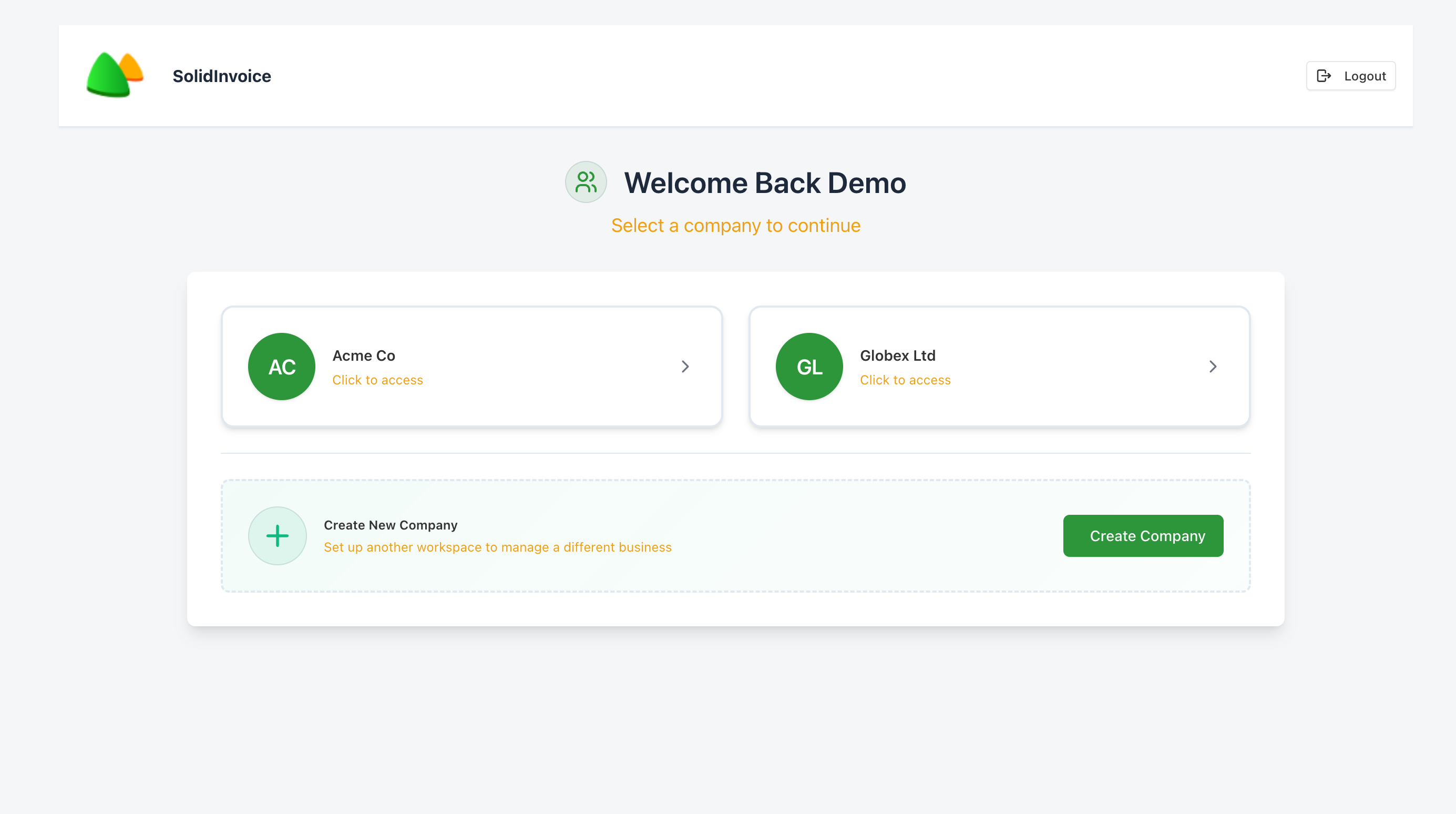
Click any card to enter that company. You stay signed in — there's no second login.
While using the app
Open the company dropdown in the top right. The dropdown lists every other company you belong to (the current one is excluded). Click any of them to switch.
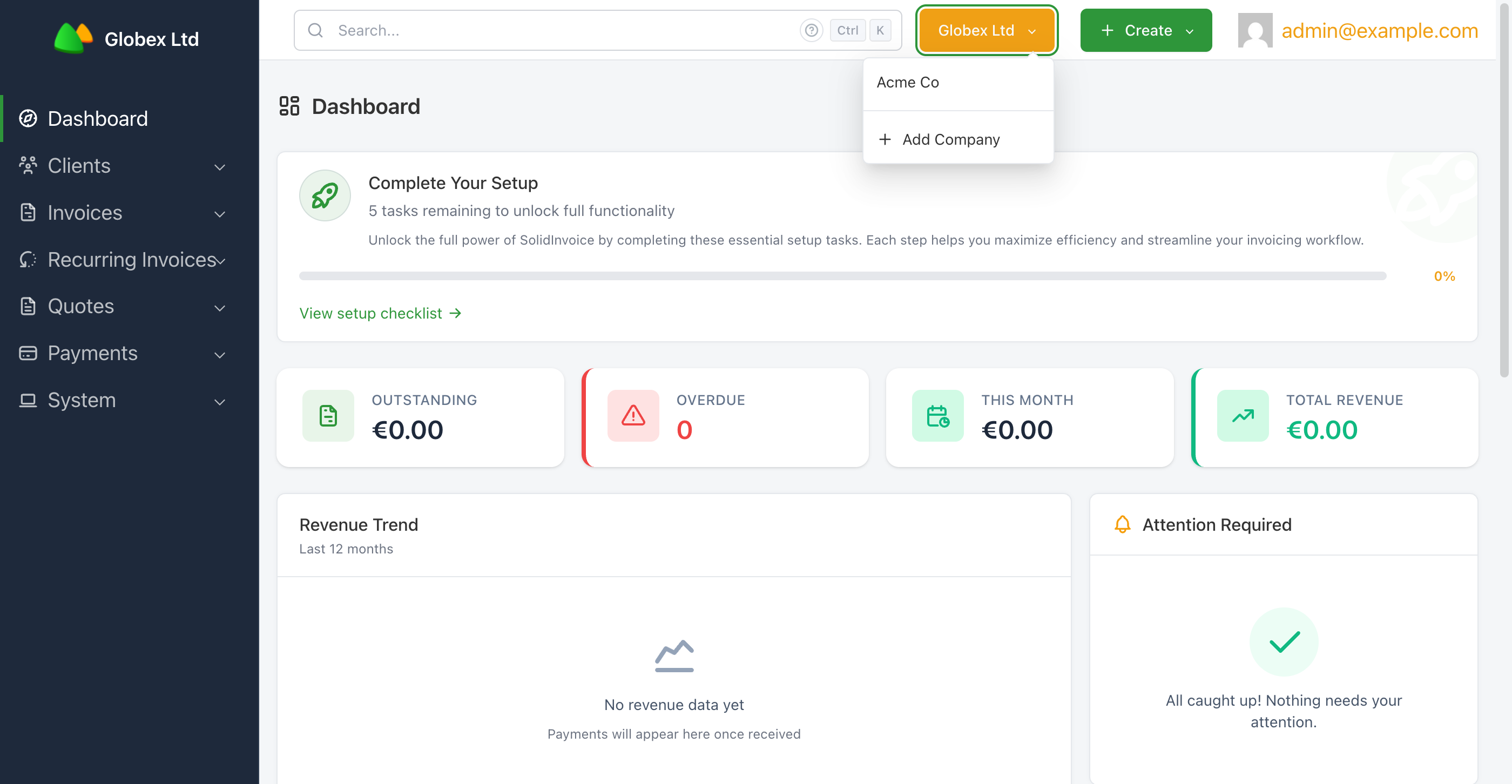
You'll land on the dashboard of the chosen company. Switching changes which company's data you're viewing — your user account and login session are unchanged.
Was this page helpful?