Creating a company
There are three places to start the create-company form. The form itself is the same in all three.
On your first login
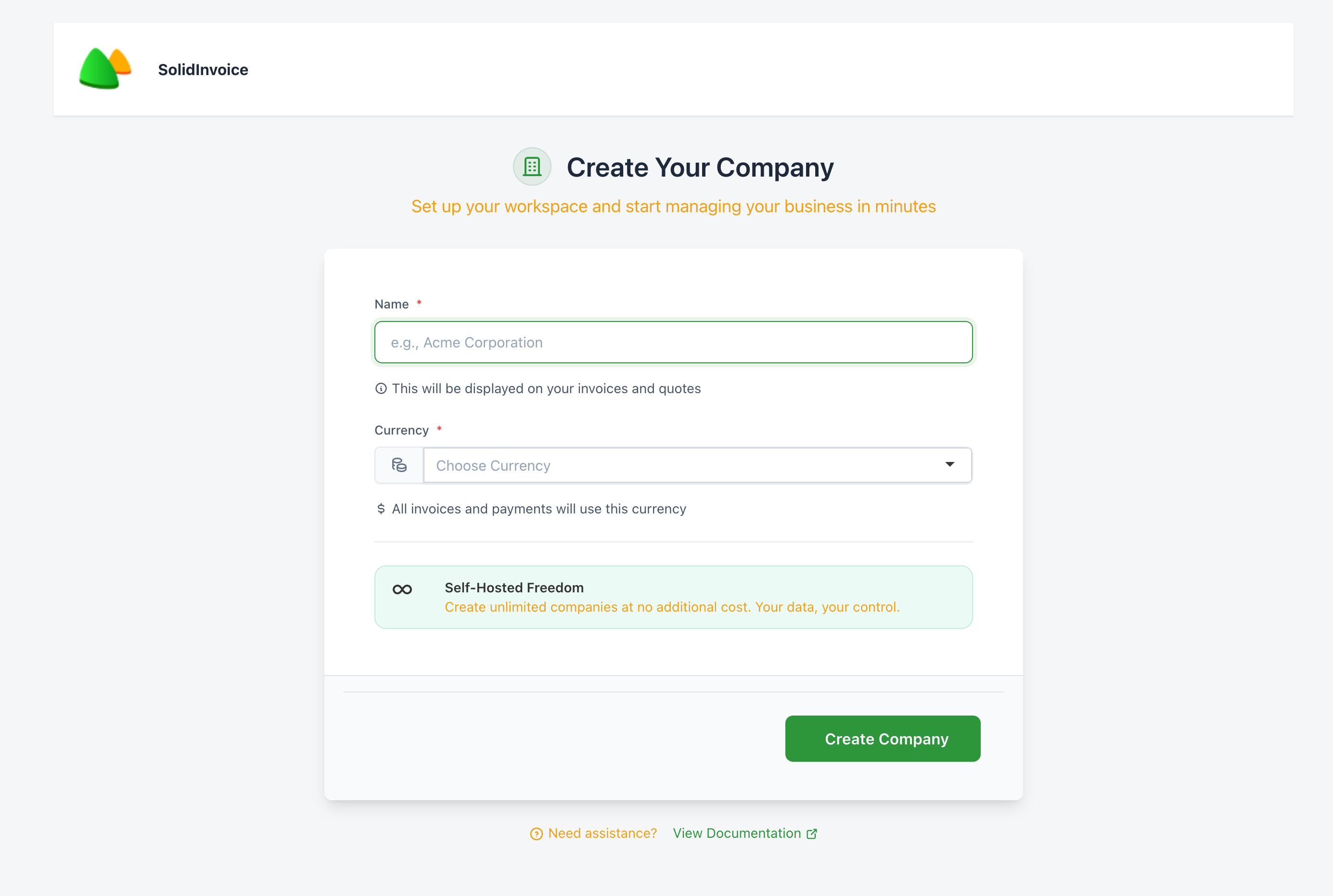
The first time you log in (or any time you log in without belonging to any company yet), SolidInvoice takes you straight to the create-company page. You can't reach the rest of the app until at least one company exists.
From the topbar
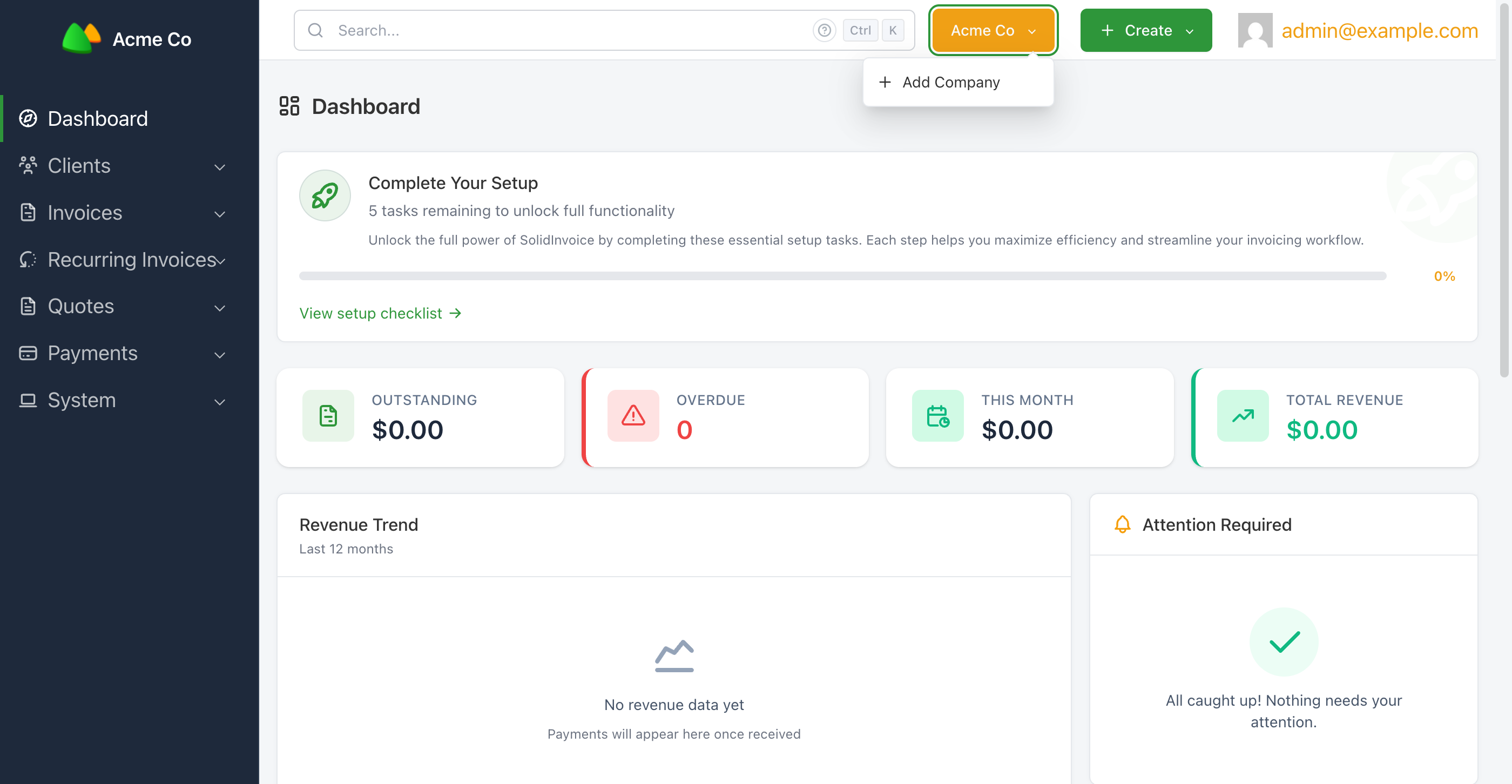
Once you're inside a company, open the company dropdown in the top right (the button labelled with the current company name) and click + Add Company.
From the company picker
If you log in and belong to more than one company, the picker page also has a Create Company button below the list of companies you can switch to.
Filling in the form
Two fields, both required:
| Field | Notes |
|---|---|
Name | Appears on every quote and invoice you send. Form hint: "This will be displayed on your invoices and quotes". |
Currency | Sets the default currency for invoices, quotes, and payments. Form hint: "All invoices and payments will use this currency". |
Click Create Company. The new company becomes your active workspace and you land on its dashboard.
On the self-hosted version of SolidInvoice there's no per-company subscription — create as many as you need.